
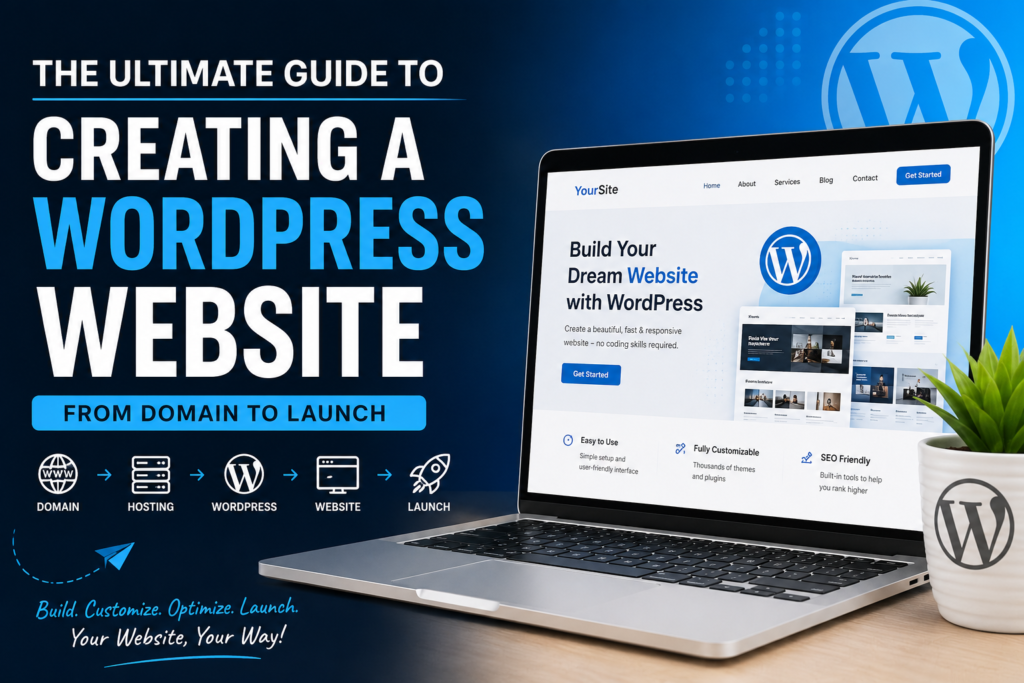
The Ultimate Guide to Creating a WordPress Website: From Domain to Launch
Introduction
In today’s digital world, having a website is no longer a luxury—it’s a necessity. Whether you’re a business owner, freelancer, blogger, student, or entrepreneur, a professional website helps you establish credibility, showcase your expertise, and reach a global audience.
The good news? You don’t need to be a programmer or web developer to build a stunning website. Thanks to WordPress, anyone can create a professional, fully functional website with little to no coding knowledge.
In this comprehensive guide, you’ll learn everything you need to know about creating a WordPress website—from choosing the perfect domain name and hosting provider to customizing your design, optimizing for search engines, and launching your website successfully.
Let’s get started!
Why Choose WordPress?
WordPress powers more than 43% of all websites on the internet, making it the world’s most popular content management system (CMS). Its flexibility, user-friendly interface, and extensive plugin ecosystem make it suitable for almost any type of website.
Benefits of WordPress
- Beginner-friendly and easy to use
- No coding skills required
- Thousands of free and premium themes
- Powerful SEO capabilities
- Highly customizable with plugins
- Mobile-responsive designs
- Large community and support network
- Scalable for businesses of all size
Step 1: Choose the Right Domain Name
Your domain name is your website’s online address, such as www.example.com. It’s one of the first things visitors notice, so choose wisely.
Tips for Choosing a Great Domain
- Keep it short and memorable.
- Use keywords related to your business or niche.
- Avoid numbers, hyphens, and unusual spellings.
- Choose a trusted extension like .com, .net, or .org.
- Make it easy to pronounce and spell.
Example
Instead of:
- bestdigitalmarketingtraininginindia2026.com
Choose:
- digitalacademy.com
A clean, professional domain creates a strong first impression.
Step 2: Purchase Reliable Web Hosting
Web hosting is the service that stores your website files and makes them accessible online.
When selecting a hosting provider, look for:
- High uptime (99.9% or higher)
- Fast loading speeds
- Free SSL certificate
- Automatic backups
- One-click WordPress installation
- Responsive customer support
- Scalable hosting plans
Investing in quality hosting ensures your website remains fast, secure, and reliable.
Step 3: Install WordPress
Most hosting providers offer One-Click WordPress Installation, allowing you to set up your website in just a few minutes.
The installation process usually involves:
- Logging into your hosting dashboard
- Opening the WordPress installer
- Choosing your domain
- Creating an administrator account
- Clicking Install
Once complete, you’ll receive your login credentials for the WordPress dashboard.
Step 4: Explore the WordPress Dashboard
The WordPress Dashboard is your website’s control center.
Here, you can:
- Create pages
- Publish blog posts
- Upload media
- Install plugins
- Customize themes
- Manage users
- Configure website settings
Take some time to familiarize yourself with the dashboard before moving forward.
Step 5: Select the Perfect WordPress Theme
A theme determines the appearance and layout of your website.
Choose a theme that is:
- Responsive
- Lightweight
- SEO-friendly
- Regularly updated
- Compatible with popular plugins
Popular WordPress Themes
- Astra
- GeneratePress
- Kadence
- OceanWP
- Hello Elementor
Remember, a clean and fast website provides a better user experience than one overloaded with unnecessary design elements.
Step 6: Install Essential Plugins
Plugins extend the functionality of your WordPress website.
Here are some must-have plugins:
SEO
- Rank Math SEO
- Yoast SEO
Security
- Wordfence Security
- Solid Security
Performance
- LiteSpeed Cache
- WP Rocket
Forms
- WPForms
- Contact Form 7
Backups
- UpdraftPlus
Image Optimization
- Smush
Install only the plugins you truly need to keep your website fast and secure.
Step 7: Create Your Essential Website Pages
Every professional website should include the following pages:
Home
Introduces visitors to your business and highlights your services.
About
Share your story, mission, and experience to build trust.
Services
Explain what you offer and how you help customers.
Blog
Publish valuable content that attracts visitors and improves SEO.
Contact
Provide your phone number, email address, contact form, and location.
Privacy Policy
Required for legal compliance and user transparency.
Step 8: Customize Your Website
Now it’s time to make your website unique.
Customize:
- Logo
- Brand colors
- Typography
- Header
- Footer
- Navigation menu
- Buttons
- Homepage sections
Maintain a consistent visual identity throughout your website.
Step 9: Optimize Your Website for Speed
Website speed directly affects user experience, conversions, and search engine rankings.
Speed Optimization Tips
- Compress images before uploading.
- Use caching plugins.
- Enable lazy loading.
- Minify CSS and JavaScript files.
- Remove unused plugins.
- Choose a lightweight theme.
Aim for a loading time of less than three seconds.
Step 10: Optimize for Search Engines (SEO)
A beautiful website is only effective if people can find it.
Basic SEO Checklist
- Use descriptive page titles.
- Write compelling meta descriptions.
- Optimize image alt text.
- Use keyword-rich headings.
- Create SEO-friendly URLs.
- Add internal links.
- Submit your XML sitemap to search engines.
- Publish high-quality content consistently.
SEO is an ongoing process that helps drive long-term organic traffic.
Step 11: Secure Your Website
Website security protects your business and your visitors.
Best practices include:
- Enable HTTPS using an SSL certificate.
- Use strong passwords.
- Enable two-factor authentication.
- Keep WordPress, themes, and plugins updated.
- Install a trusted security plugin.
- Schedule automatic backups.
Regular maintenance significantly reduces security risks.
Step 12: Test Before Launching
Before making your website public, thoroughly review everything.
Launch Checklist
✔ Test every page
✔ Check all navigation links
✔ Test contact forms
✔ Review mobile responsiveness
✔ Fix spelling and grammar mistakes
✔ Optimize images
✔ Check loading speed
✔ Verify SEO settings
✔ Ensure SSL is active
✔ Test on different browsers and devices
A final review helps you deliver a polished experience from day one.
Launch Your Website
Congratulations! Once you’ve completed the checklist, it’s time to publish your website and share it with the world.
Remember, launching is just the beginning. Continue updating your content, monitoring performance, improving SEO, and listening to user feedback. A successful website evolves over time.
Conclusion
Creating a WordPress website has never been easier. With the right domain name, reliable hosting, a well-designed theme, and a few essential plugins, you can build a professional website without writing a single line of code.
The key to long-term success isn’t just launching your website—it’s maintaining it. Keep your content fresh, optimize for search engines, prioritize security, and focus on delivering value to your visitors. By following the steps outlined in this guide, you’ll be well on your way to building a website that not only looks great but also supports your personal or business goals.
Frequently Asked Questions (FAQs)
1. Do I need coding knowledge to create a WordPress website?
No. WordPress is designed for beginners, and most websites can be built using themes, plugins, and drag-and-drop page builders without any coding.
2. How much does it cost to create a WordPress website?
The cost depends on your needs. A basic website typically requires a domain name, web hosting, and optional premium themes or plugins. You can start with a modest budget and upgrade as your website grows.
3. How long does it take to build a WordPress website?
A simple website can be created in a few hours, while a larger or more customized website may take several days or weeks depending on the content and functionality required.
4. Which WordPress theme is best for beginners?
Popular beginner-friendly themes include Astra, GeneratePress, Kadence, and Hello Elementor. These themes are lightweight, responsive, and easy to customize.
5. Can I improve my website after it goes live?
Absolutely. One of WordPress’s biggest advantages is its flexibility. You can update your design, add new features, publish fresh content, improve SEO, and expand your website at any time without rebuilding it from scratch.